🎛️ Animated Screensavers
Stream Deck Screensavers
Cozy animated screensavers built to fit the keys.
Cat Nap
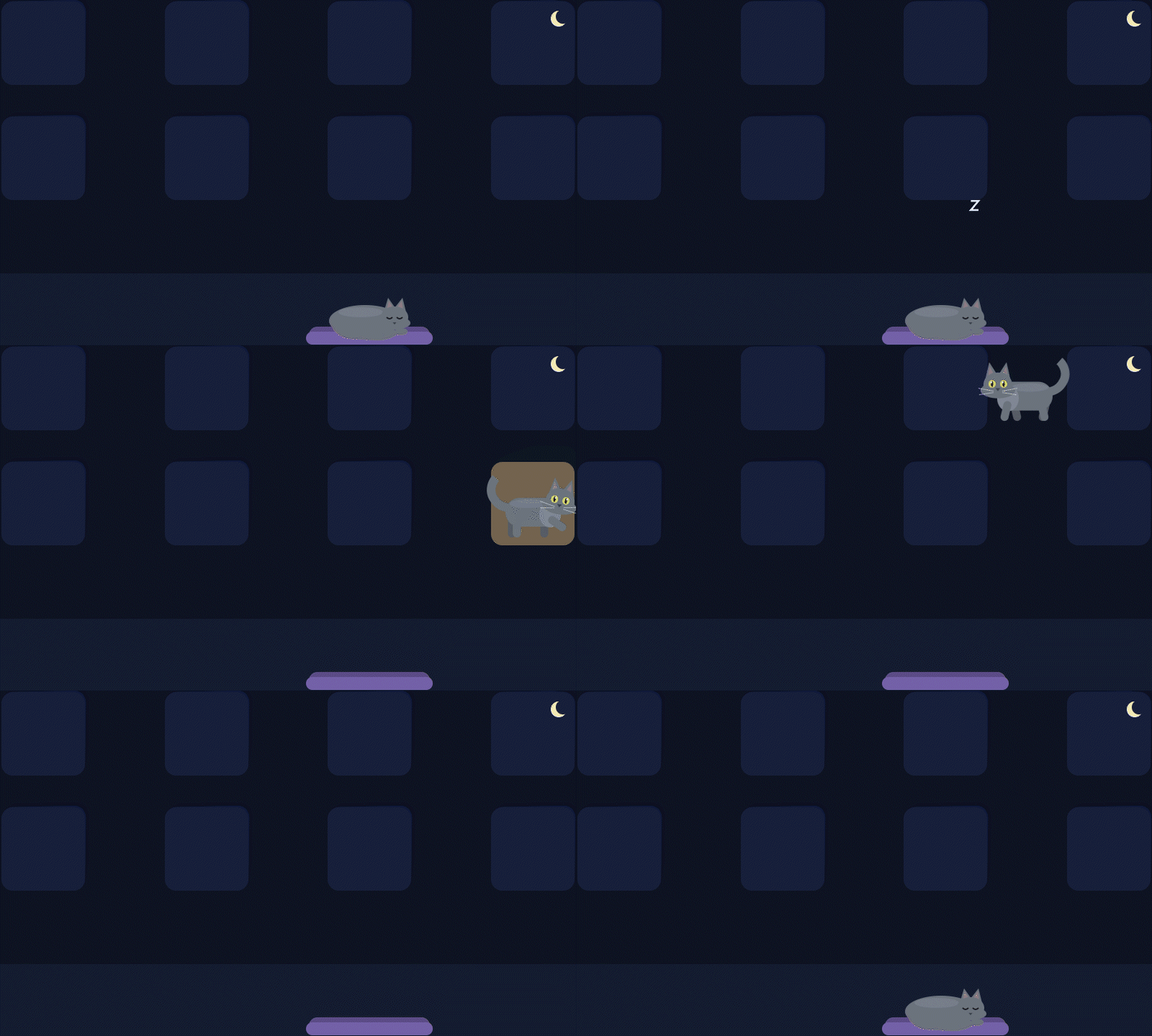
A fluffy gray cat naps in his bed on the touch strip, then wakes up, taps your keys and walks across the top row — vanishing in the gaps and popping out on the next key — before curling back up for another nap. A seamless 10-second loop designed around the real key layout of the Stream Deck +.
$1.99
Get it on the Elgato Marketplace
Requirements
- Stream Deck + (8 keys and touch strip)
- Stream Deck app 6.6 or newer (needed for animated screensavers)
How to set your screensaver
- Open the Stream Deck app and select your Stream Deck +.
- Open Preferences, go to Devices, and choose Set Screensaver.
- Pick the Cat Nap GIF. Tip: add a Sleep action to any key to see it instantly.
Support
Questions or something not working? Email help@catonmylapproductions.com and I'll help.
More coming soon
More screensavers are on the way, including more cats and versions for other Stream Deck models.